Know your reel count.
Then put a limit on it.
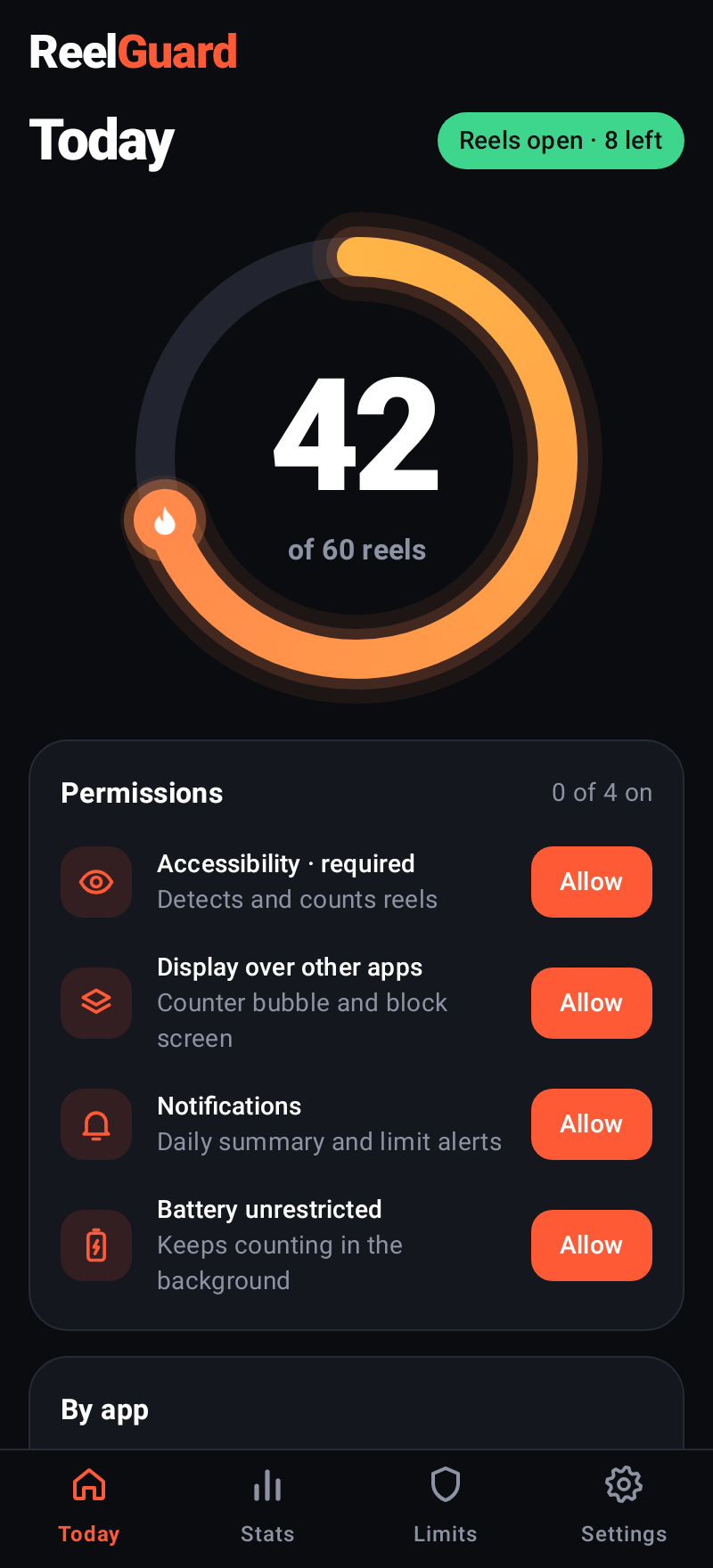
ReelGuard counts the Reels, Shorts and TikToks you watch, shows a live counter while you scroll, and locks them when you hit the limit you set.
Android 10 or newer · free
What it does
Five apps, one counter, limits that actually hold.
Counts
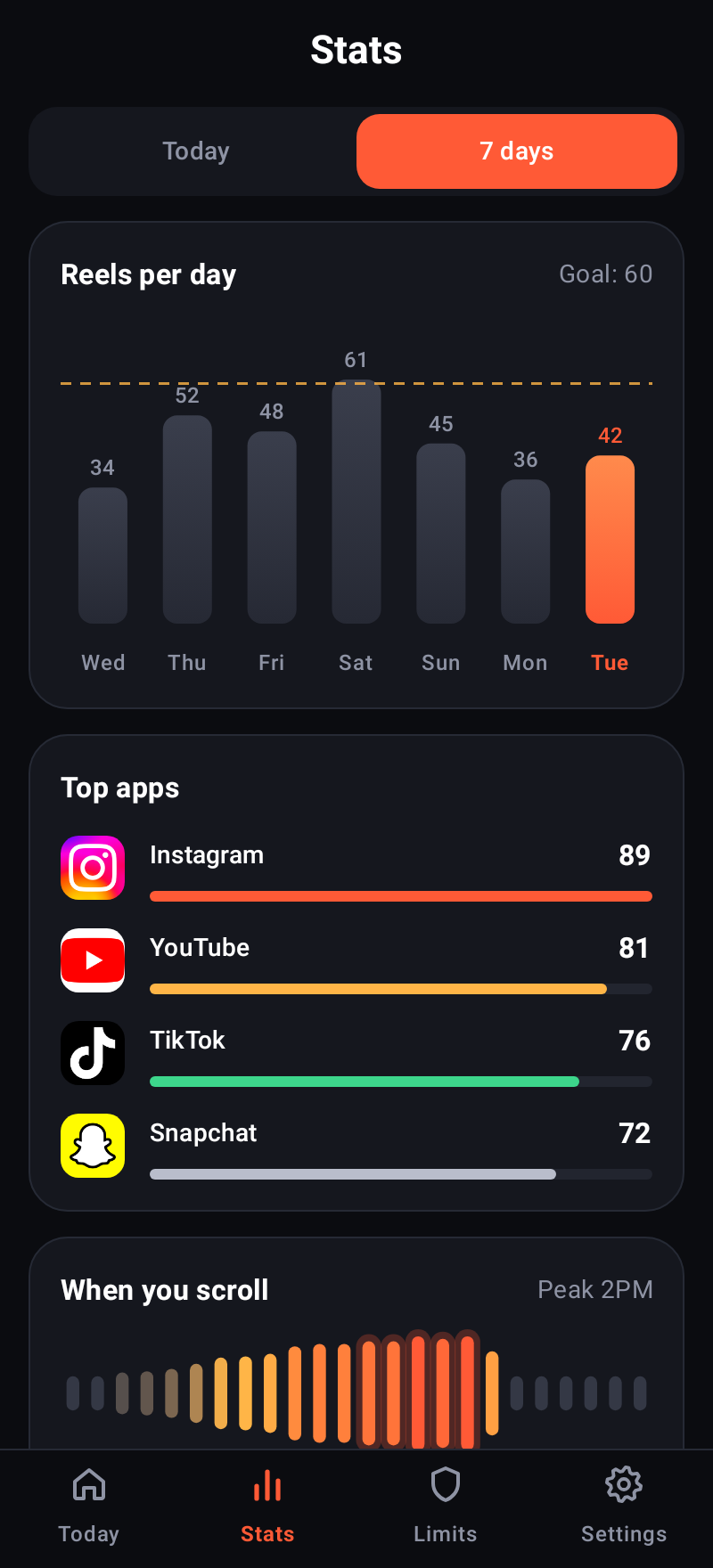
Every short video in Instagram Reels, YouTube Shorts, TikTok, Snapchat Spotlight and Facebook Reels, with watch time per app.
Shows
A floating counter bubble while you scroll, a home-screen widget, and a daily summary at 9:00.
Limits
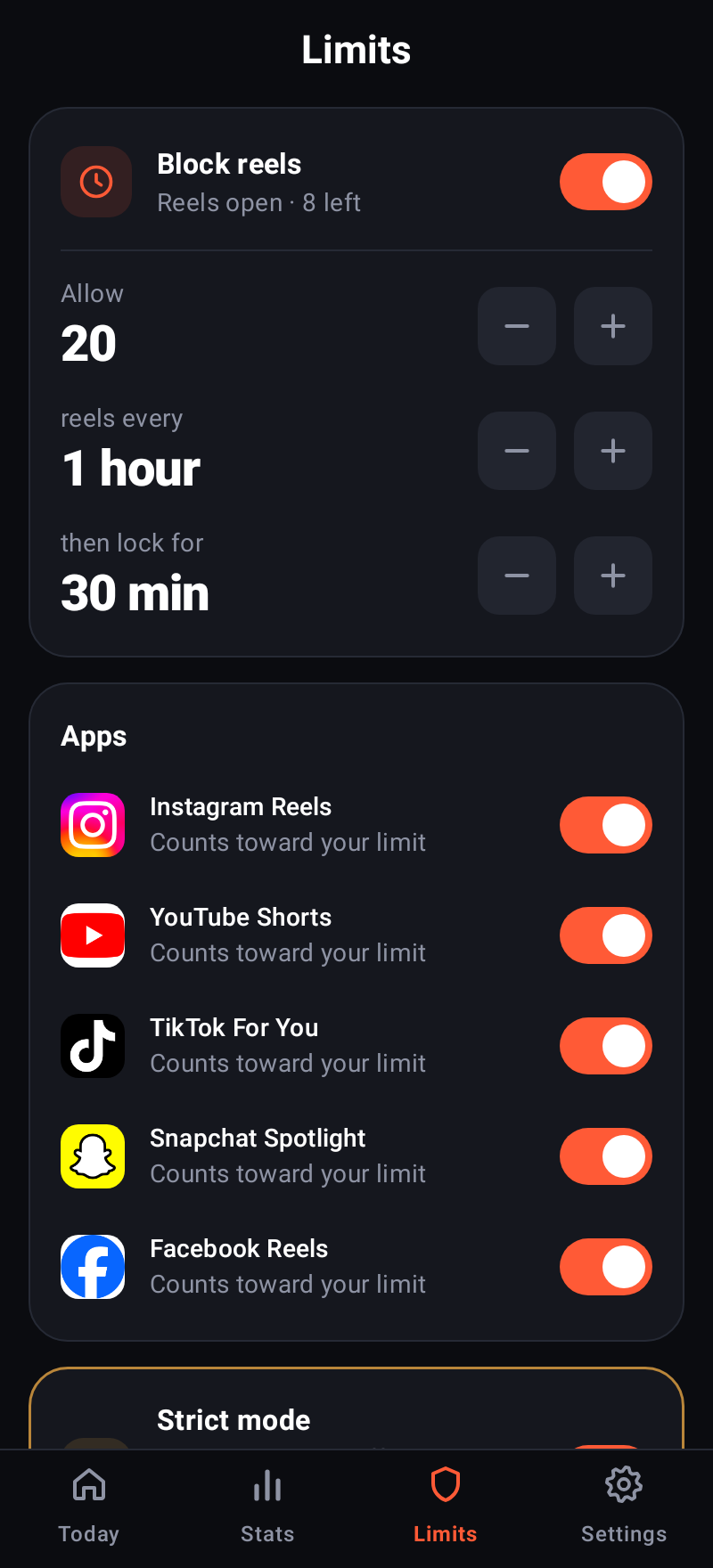
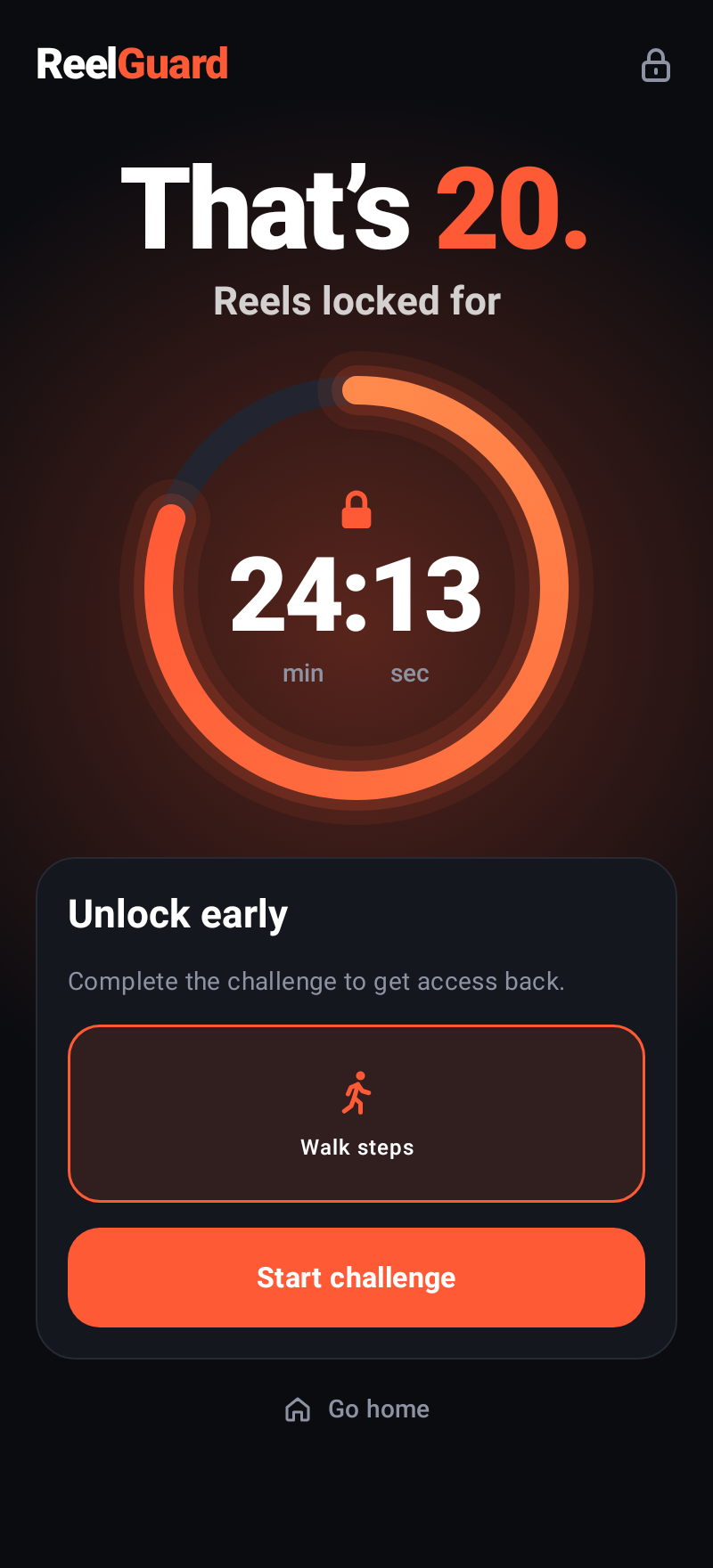
Allow N reels in a time window, then lock reels for a cooldown. Optionally lock for the day at your goal, or block during quiet hours.
Holds you to it
Unlocking early takes a physical challenge: walk, phone face down, hold both thumbs, or scroll. Strict mode guards every change that loosens a limit.
Stats
Reels per day against your goal, top apps, your heaviest hours, best day and under-goal streak.
Private
No account and no analytics. Counts and settings never leave your phone. Read the policy.
Pricing
Every feature is free. Pro only removes the ad.
- Counting, limits, stats, challenges
- One small banner ad on the Today screen
- No ads on the lock screen or challenges
- Everything in Free, without the ad
- Billed by Google Play, cancel any time
- Price varies by country
Questions
Why does ReelGuard need the Accessibility service?
It is the only way Android lets an app see which short video is on screen. ReelGuard reads only the five supported apps, only enough to tell one video from the next, never what you type, and nothing leaves your phone. The app explains this and asks for your consent first.
Play Protect warns about the APK. Is it safe?
Play Protect flags sideloaded apps that use Accessibility. Choose “More details → Install anyway”. Installing from Google Play, once available, avoids the warning.
Can I just turn the limit off?
Only if you let yourself. With strict mode on, turning blocking off, pausing, or loosening a limit requires the unlock challenge.
Does it work on iPhone?
No. ReelGuard is Android only (10 and newer).
Is it affiliated with Instagram, YouTube, TikTok, Snapchat or Facebook?
No. Those names belong to their owners and are used only to say which apps ReelGuard works with.